myTTNC

myTTNC

myTTNC

myTTNC

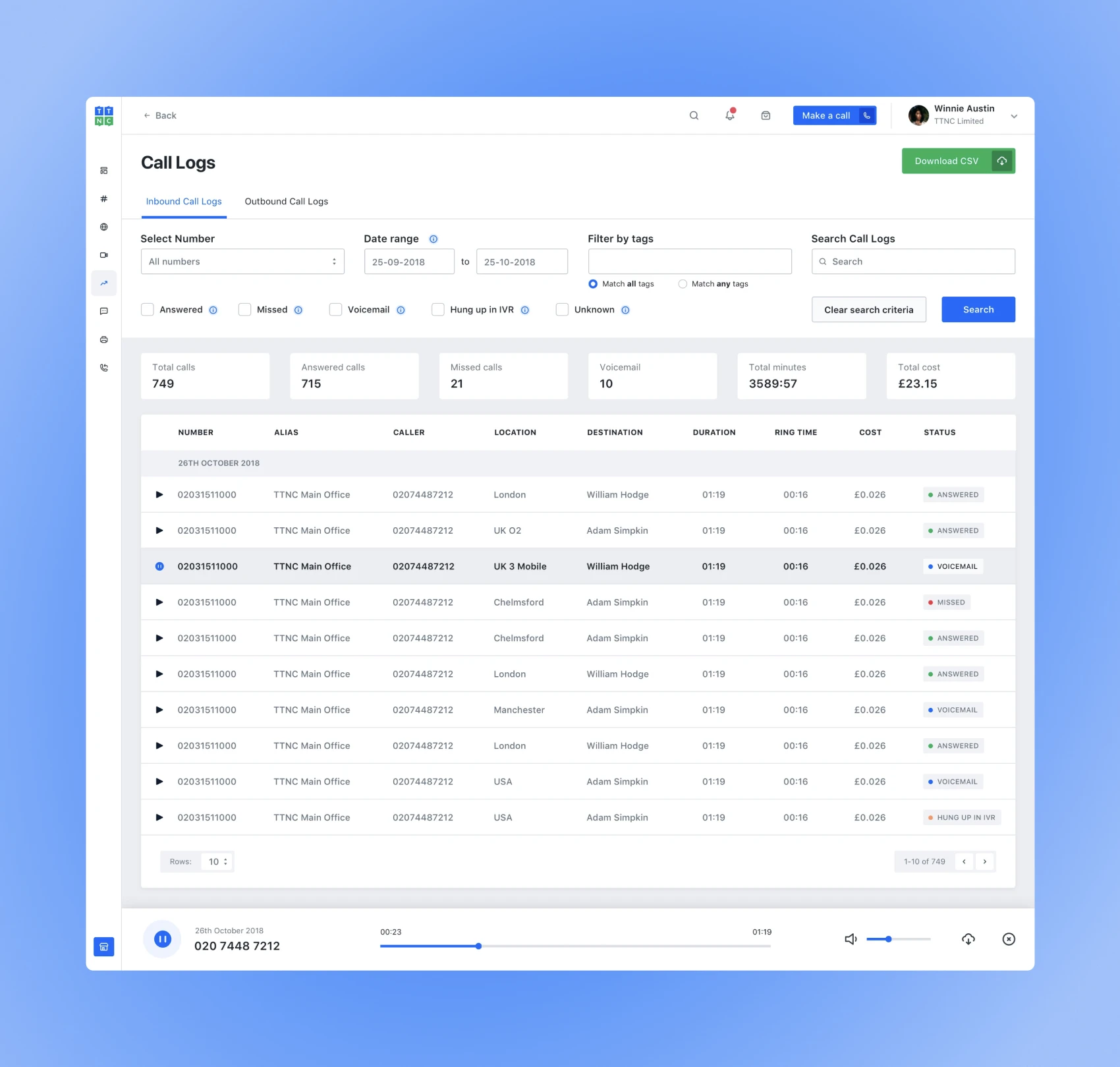
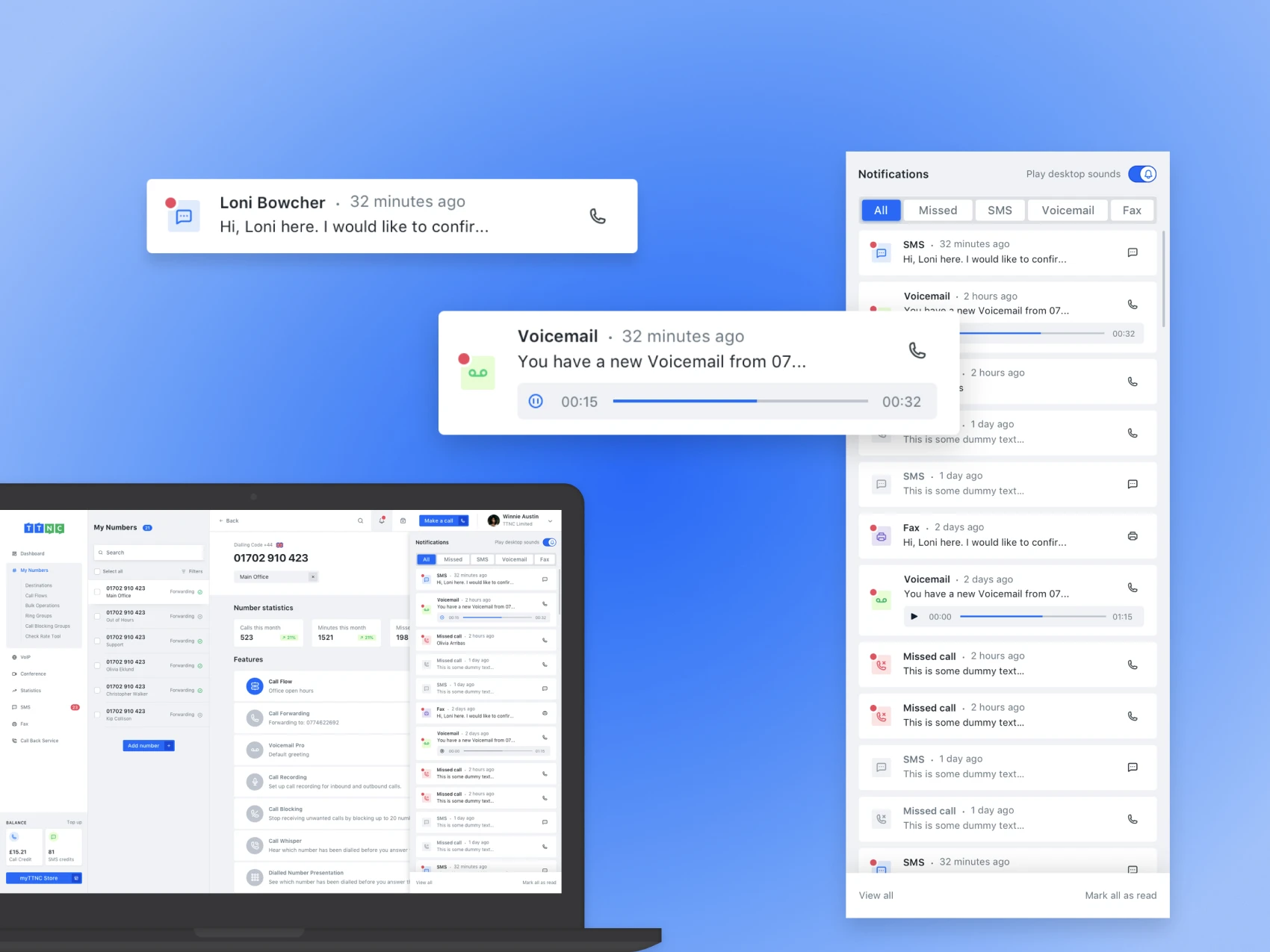
myTTNC is an easy-to-use, award-winning platform that supplies virtual phone numbers, including VoIP, call forwarding, call tracking, call management, fax and SMS.

My role was to scale the services and design practices with prototyping, user testing and a design system.

Full case study coming soon.

Role

Product designer

Responsibilities

User research

Strategising

Prototyping

Usability testing

Interface design

Problem statement
Solution
Results & impact

The redesigned form builder received highly positive feedback from users:

  • Secured a $250,000 annual contract with a top manufacturing company.
  • Rolled out to 50-60 sites in the UK, with an additional 200 sites worldwide.
Research and personas:

To ensure we built the right solution, we conducted extensive user research:

  • User interviews with facility managers and contractors to map existing workflows and identify pain points.
  • Persona development to align the design with real user needs, guiding decisions throughout the project.

Personas:

  • Facility Manager: Needs a structured process to request, track, and approve work permits.
  • Contractor: Requires a quick and mobile-friendly way to submit compliance documentation.

Facilities manager and contractor personas
Brainstorming and user flows:

Collaboration was key. Partnering with the product manager and developers, we:
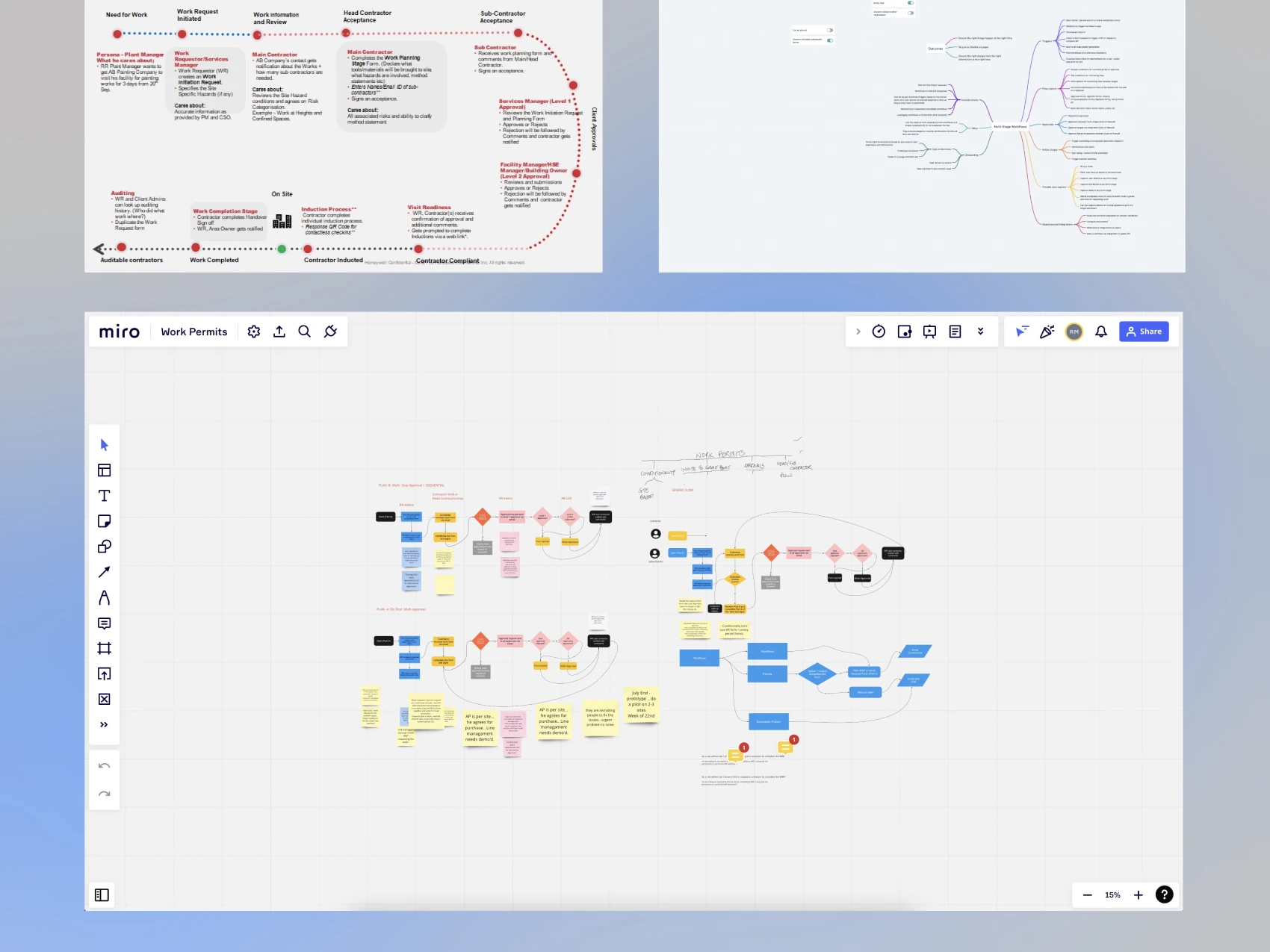
  • Outlined end-to-end user journeys to ensure a smooth, logical experience.
  • Identified technical constraints early to streamline development.
  • Created detailed user flows to clarify each step of the process.
Brainstorming, mapping, and user flows
Design principles

To ensure the form builder was intuitive and effective, we defined three guiding principles:

  • Simplicity: A frictionless experience with a minimal learning curve.
  • Flexibility: Customisable forms that adapt to different workflows.
  • Intuitiveness: Clear hierarchy and navigation for seamless interactions.
Prototyping, testing and iteration

We ran multiple usability tests to refine the form builder. Key improvements based on real user feedback included:

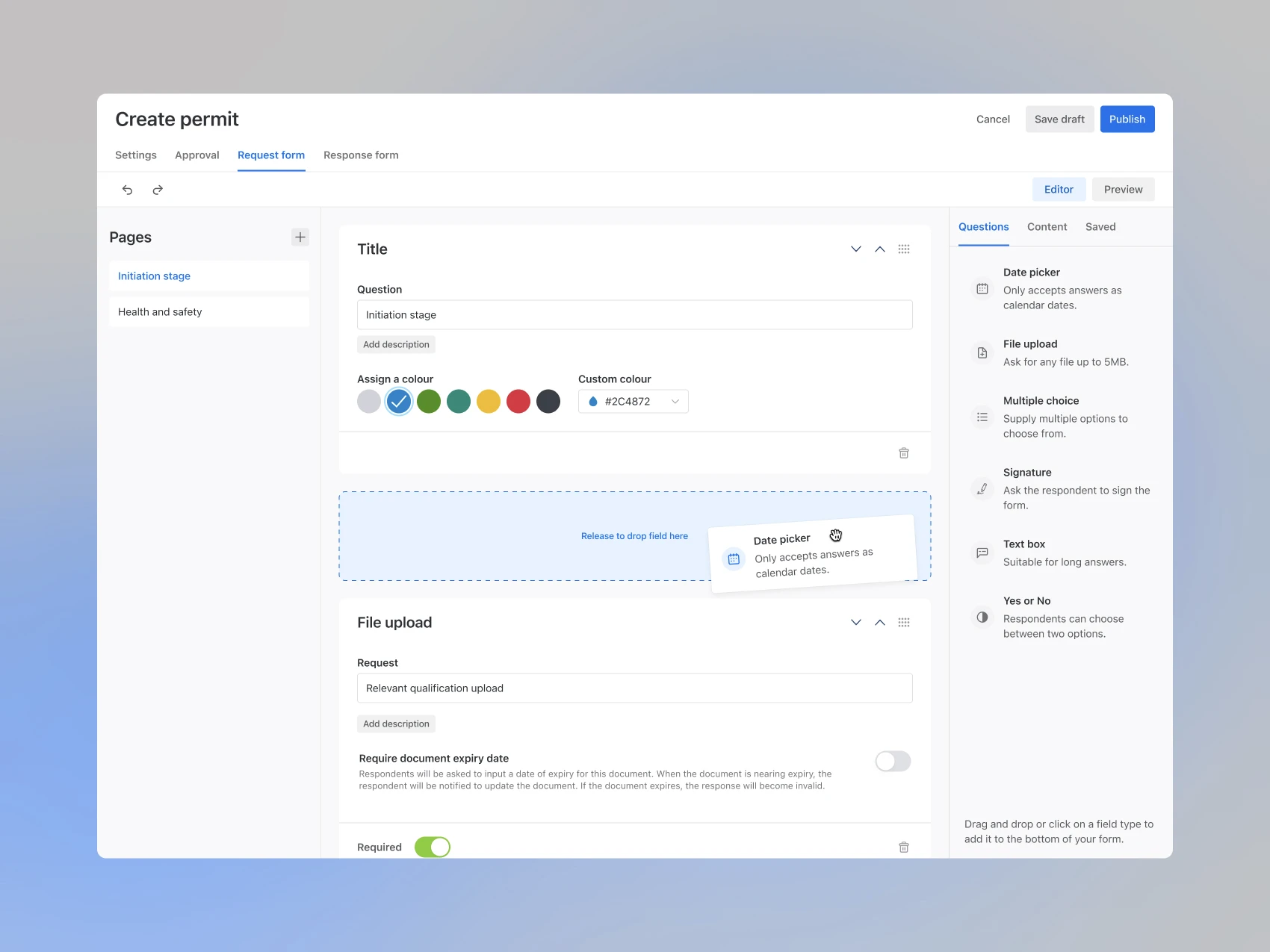
  • Preview mode: Allowing users to see forms across different devices before finalising.
  • Undo/redo functionality: Reducing frustration and improving error recovery.
  • Enhanced layout: Making navigation more intuitive and reducing cognitive load.

Prototyping, testing and iteration
Final Design & Key Features
Form builder
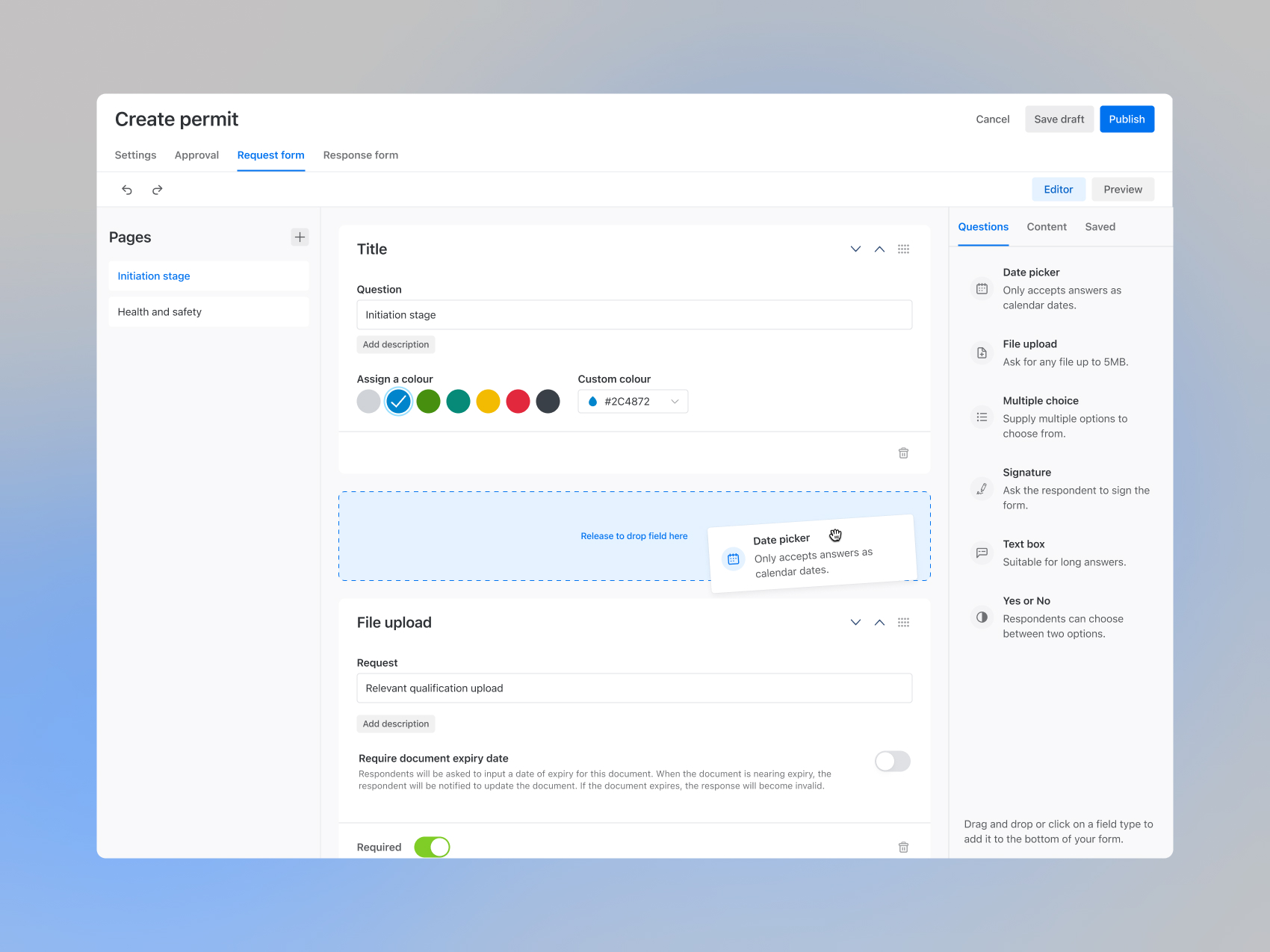
A drag-and-drop interface that allows managers to customise forms with ease.
Workflows form builder with drag and dropWorkflows multiple choice and page break
Request form
Facility managers initiate work authorisations, outlining the job scope and necessary permits.
Request form for managers to request work
Response form
Contractors confirm compliance and submit documentation. The mobile-first approach ensures easy on-the-go access, aligning with data showing that 80% of responses come from mobile devices.
Response form mobile screens
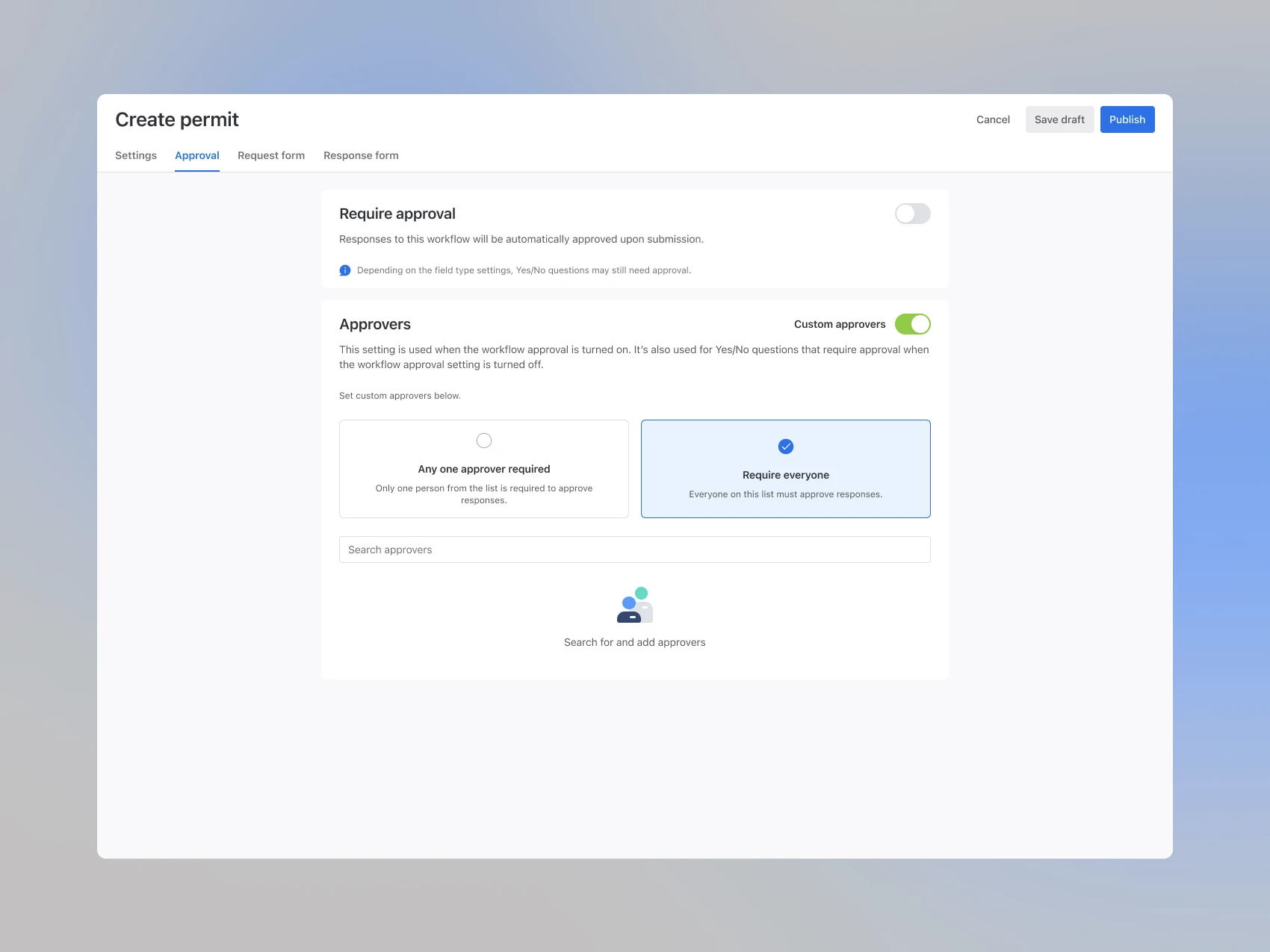
Approvals
A structured approval process ensures compliance before work begins, reducing risk and preventing costly mistakes.
Approval settingsResponse modal
Conclusion

By focusing on user needs and leveraging an iterative design process, we delivered a powerful tool that simplifies compliance, enhances efficiency, and scales effortlessly. This project reinforced the value of research-driven design and cross-functional collaboration in building impactful enterprise solutions.

No items found.

For a full case study or if you'd like to learn more about my process, please don't hesitate to contact me.

01

Workflows—Permits

2021 – 2022
Workflows dashboard thumbnail
View more
View more
View more
View more

Real-time workforce compliance and screening.

Leading user research to uncover pain points and opportunities
Defining UX strategy and design principles
Designing and prototyping intuitive workflows
Conducting usability testing and iterating based on insights
Collaborating with product and engineering to ensure feasibility
Product design